Fritzing
An easy-to-use program for drawing visual electrical circuits, tailored for Arduino projects.
The Fritzing software package can be useful in development stages such as sketching a prototype circuit on a breadboard, as well as automatically generating schematic diagrams and printed circuit boards. The program’s target audience is creative people, researchers, designers, and hobbyists working with interactive electrical devices. Fritzing was developed for Arduino , a hardware and software platform consisting of a standard board with an Atmel AVR microcontroller, radio components for programming, communication interfaces, and the Processing/Wiring development environment. Arduino is used to create autonomous interactive devices. The printed circuit board design is open to everyone, making the platform popular among independent developers.
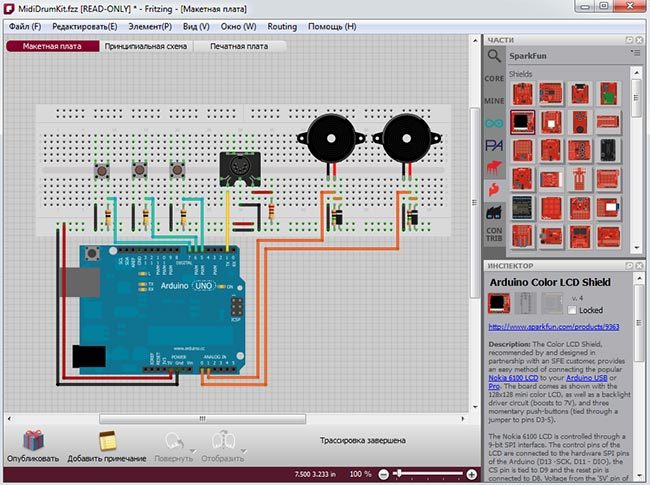
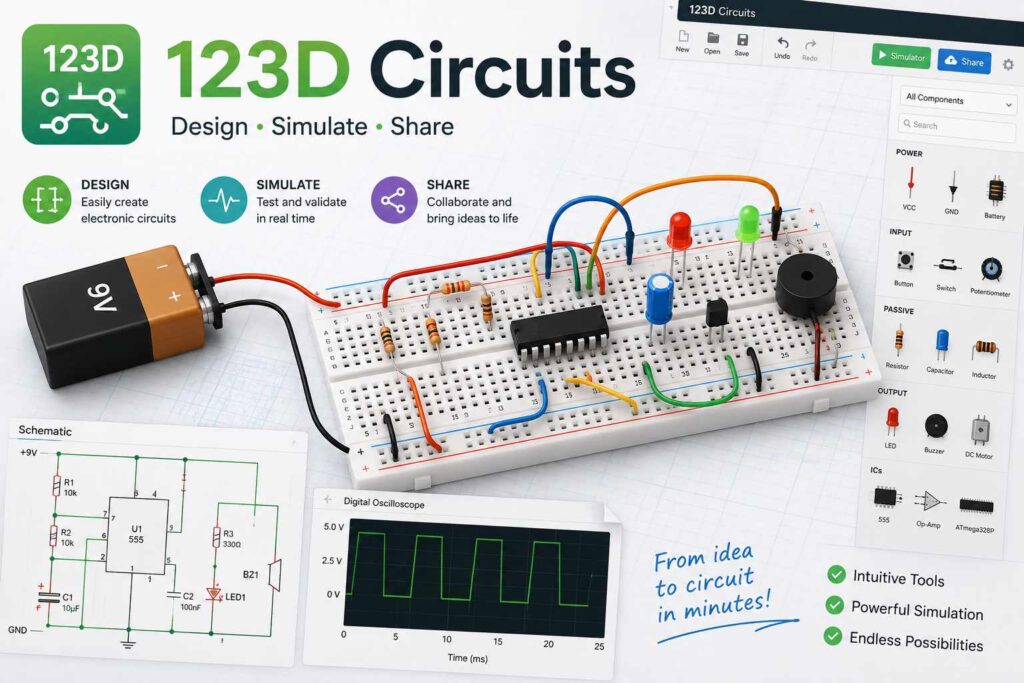
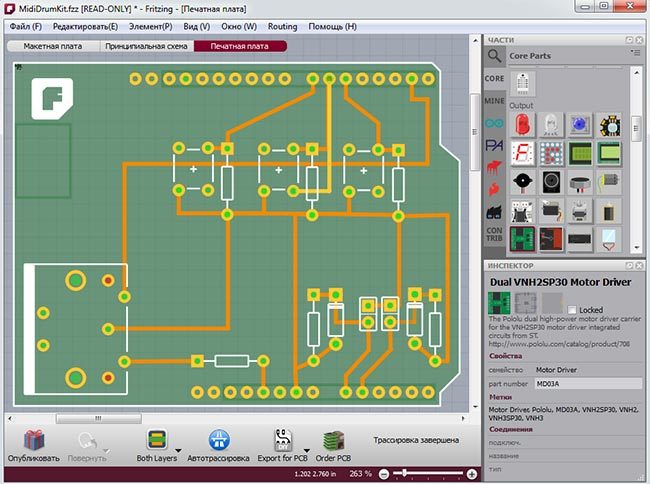
Working on a new project in Fritzing begins with selecting ready-made components, a complete list of which is located in the upper right corner of the working window. Here you can find various breadboards and circuit boards (including Arduino), a full range of analog and digital integrated circuits, and all kinds of electronic components: capacitors, transistors, resistors, LEDs, batteries, and buttons. Additionally, there’s a large collection of robotics devices: motors, rangefinders, speakers, beepers, servos, stepper motors, LCD and digital indicators, and much more. You can also create your own components and update the existing database. You can draw the schematic in both the “Breadboard” and “Schematic” windows by simply dragging and dropping the desired components onto the working area. Autorouting is also available. Selecting the “Printed Circuit Board” window allows you to begin routing wires and placing components. The result of the work is exported to a PDF file for printing on a laser printer, followed by the production of the board by applying the design to the foil-coated PCB with a hot iron.
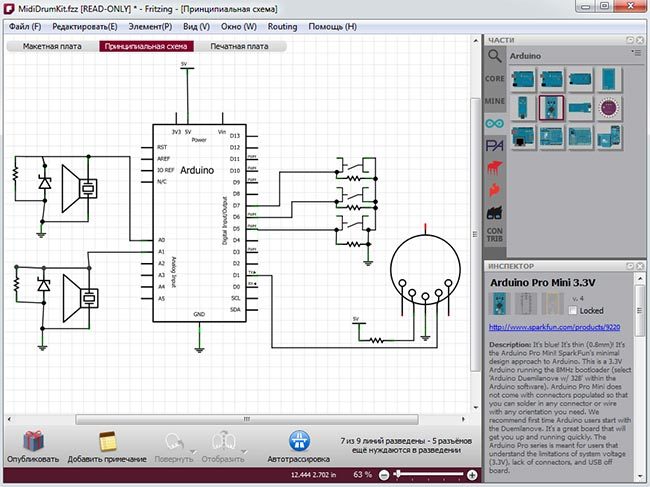
Unfortunately, Fritzing can’t independently lay out printed circuit boards, nor can it simulate circuit operation. The drawings are overly simplified, and the component base is extremely limited. Beautiful, brightly colored, detailed schematics are more suitable for photo reports and quick sketches explaining the operating principles of a particular device.
The Fritzing software package was developed in 2009 at the Potsdam University of Applied Sciences using state funding for research under the “From Prototype to Product” research program. The CAD developers are currently inviting talented programmers to collaborate on the program’s further development.
The Fritzing development environment has been translated into English, Danish, Spanish, French, Italian, Portuguese, Japanese, Chinese, and, most importantly, Russian.
There are versions of the program for the following operating systems: Windows, Mac OS (version 10.4 and higher) and Linux (version 2.6 and higher).
Distribution of the program: free
Official Fritzing website: http://fritzing.org/
Download
This content is available to logged-in users only.
هذا المحتوى متاح فقط للمستخدمين المسجلين.
Ce contenu est réservé aux membres connectés.
🔑 Login 📝 RegisterLog in or create a free account to access downloads and exclusive content.